Terminal
Run Junie directly from your terminal.
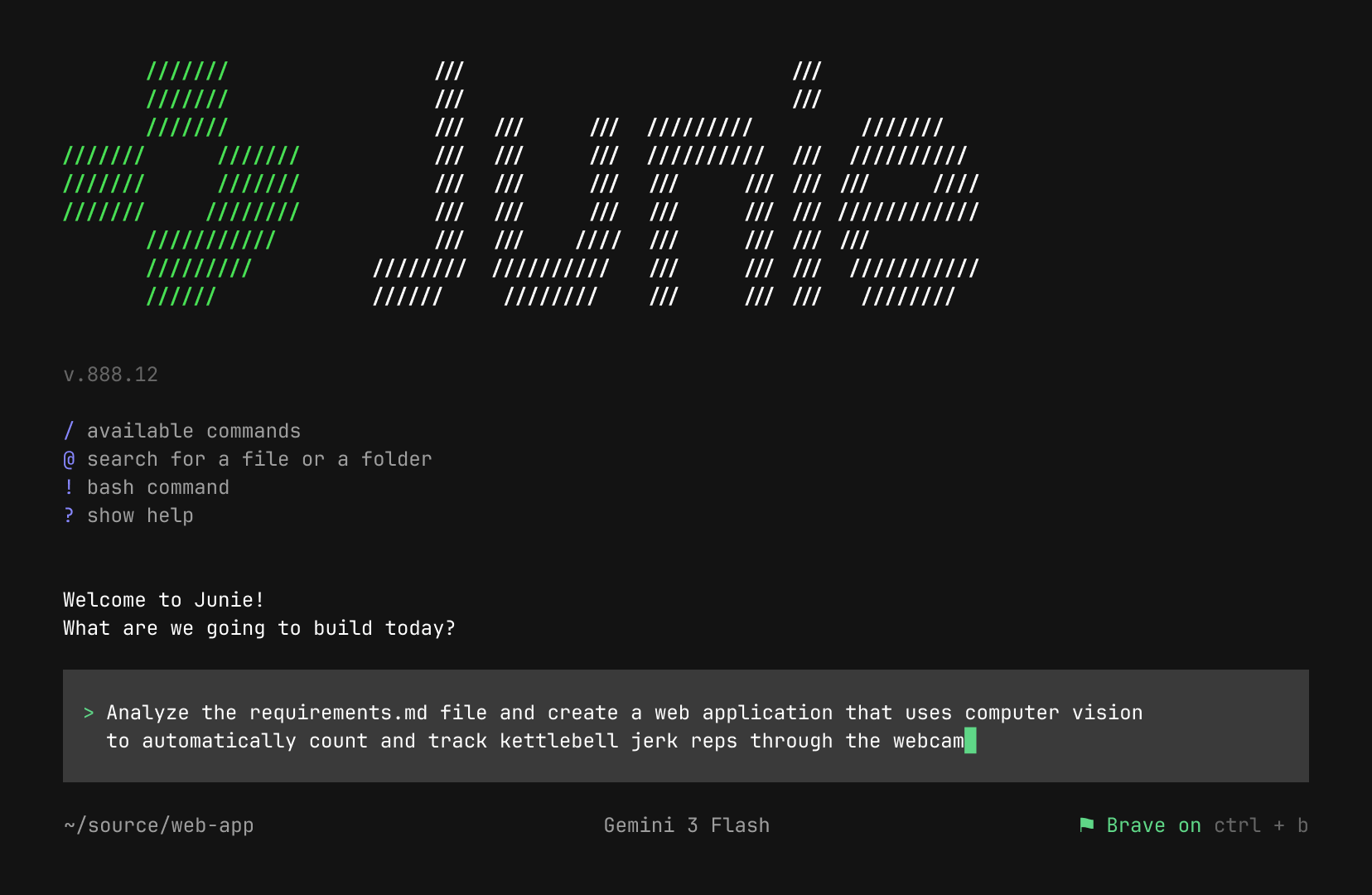
Any provider you choose.
Just open your terminal and paste the command.
IntelliJ IDEA Engine
One of the leading performers
on SWE-Rebench
10+ models
supported via BYOK
Switch from other AI coding agents in seconds with minimal setup and no workflow disruption.
Run Junie directly from your terminal.
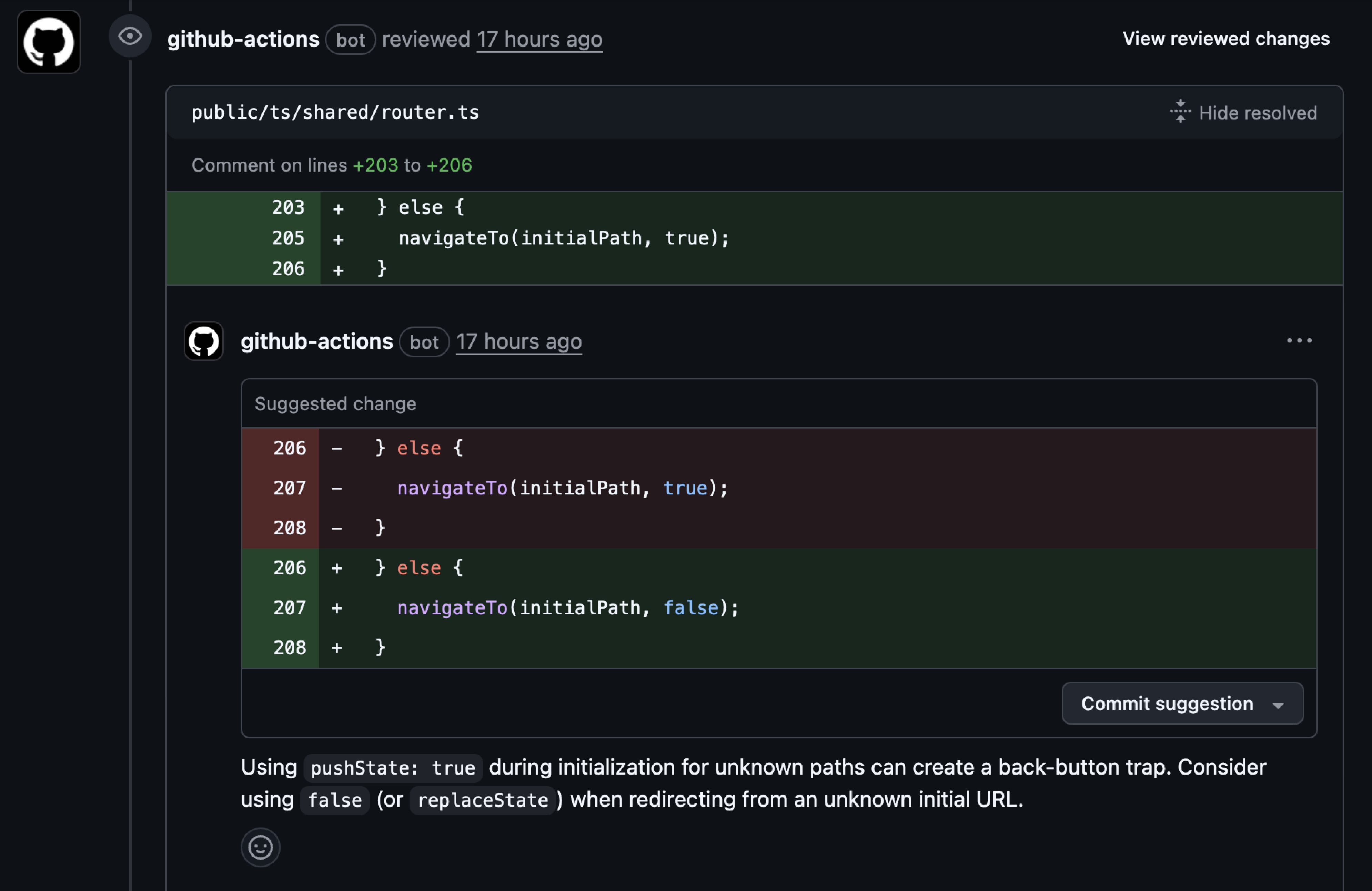
Run Junie directly from GitHub issues and pull requests.
Learn more about Junie in GitHub
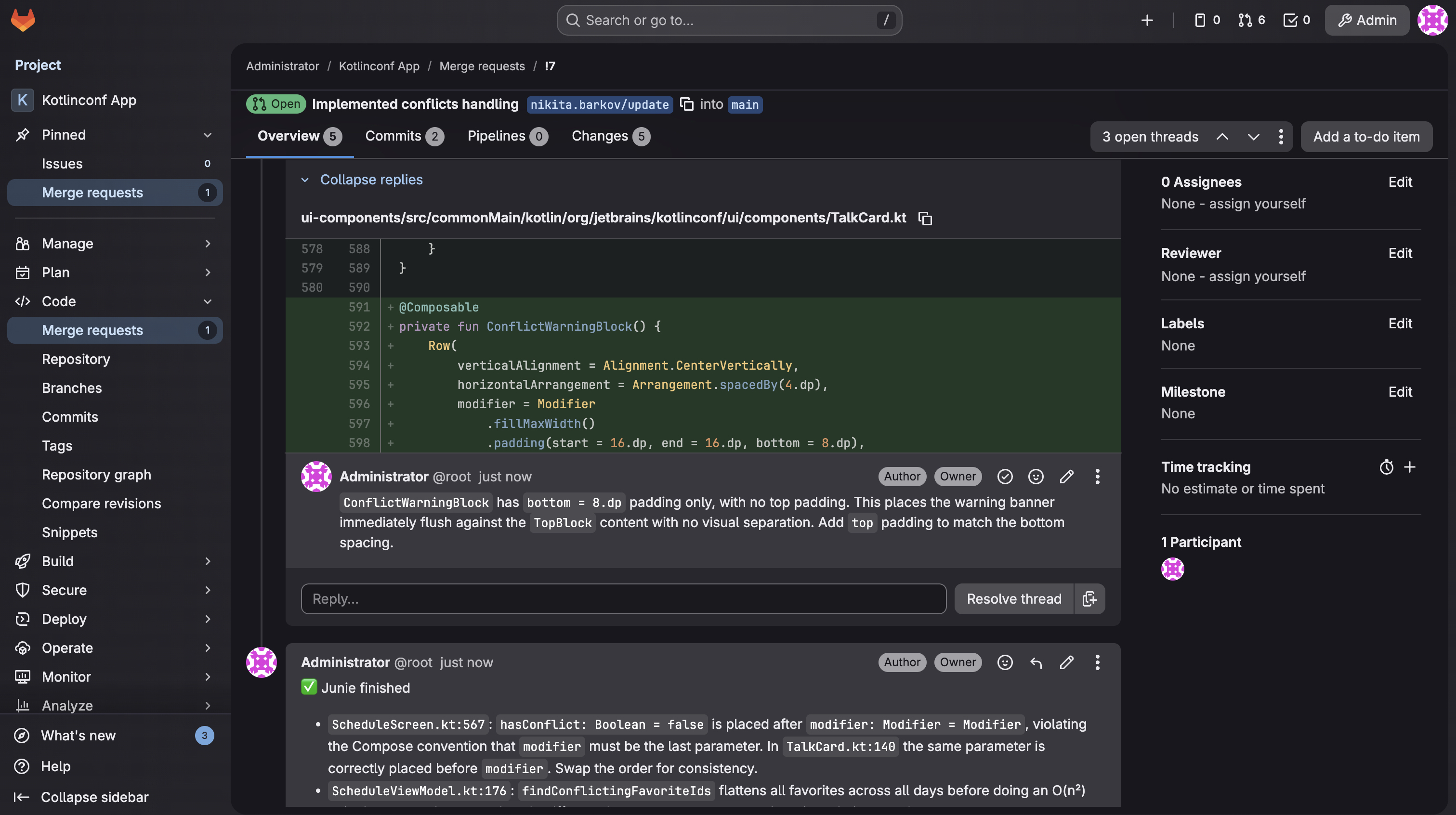
Run AI tasks from GitLab issues or MRs.
Learn more about Junie in GitLab
Run Junie directly from your terminal.
Run Junie directly from GitHub issues and pull requests.
Learn more about Junie in GitHub
Run AI tasks from GitLab issues or MRs.
Learn more about Junie in GitLab
Run Junie directly from your terminal.
Run Junie directly from GitHub issues and pull requests.
Learn more about Junie in GitHub
Run AI tasks from GitLab issues or MRs.
Learn more about Junie in GitLab
Plan on a powerful model, implement on a fast one.
Same quality, fraction of the cost.
Works with the models you choose
Writes structured plan requirements, design, and delivery stages before touching code. Approve or redirect.
Steer the agent mid-task. Change direction without starting over.
Review, approve, and steer key actions as Junie works, so you stay in control.
Start a migration from your laptop. Check progress from your phone. Review the PR over coffee.
Your rules, your tools, your workflows
Teach Junie your team's coding standards, naming conventions, and review rules. It remembers across sessions.
Free to start — get going in three steps.
One command, and you're ready.
Point Junie at any codebase — it detects your stack and loads the context.
Connect any LLM provider you choose — including Ollama, LiteLLM, and OpenRouter. Provider-rate pricing, zero markup.

JetBrains tools adhere to industry-leading security standards, including SOC 2 certification, ensuring your organization's data is protected and our products are compliant with global regulations.